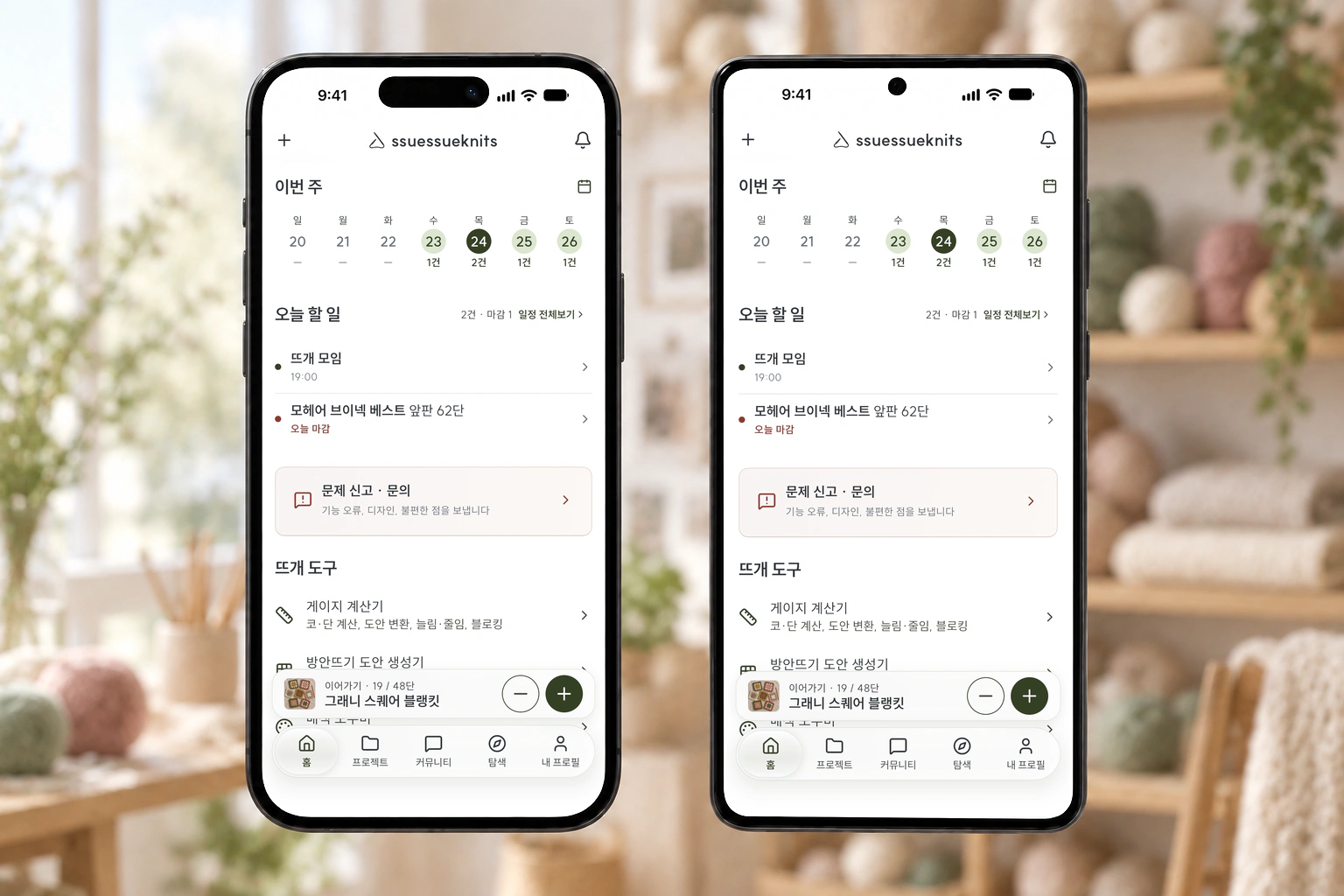
Join the test app
The ssuessueknits app is now in testing. It’s an early build, so some things are rough — but please download it and enjoy it on your phone or tablet.
iPhone · iPad
-
Install TestFlight
First install Apple’s free “TestFlight” app from the App Store.
Get TestFlight -
Install ssuessueknits
Tap the button below, then “Accept” and “Install”.
Join on iPhone
Android
-
Join the tester group
Join the group with the Google account you use on Play Store. The test app opens to group members.
Join the group -
Join the test
Open this link with the same account and tap “Become a tester”.
Join the test -
Install from Play Store
Once you’ve joined, install ssuessueknits from Play Store. If you see “Item not found”, try again in a few minutes.
Get it on Play StoreStill not showing after a few minutes? On a computer, open the Play Store web page with the same Google account, click “Install” and pick your phone. Open Play Store on the web →
The app uses the same account as the website — sign in and your records carry over.
Let us know if you can’t install it or something feels off →